USB-C docks, displays and laptop accessories chosen around real workstation use—multi-monitor setups, charging, connectivity and portable work.
Researched Product Picks
Display support, ports, charging and compatibility were checked against manufacturer information. Prices are snapshots and should be verified before final affiliate publishing.
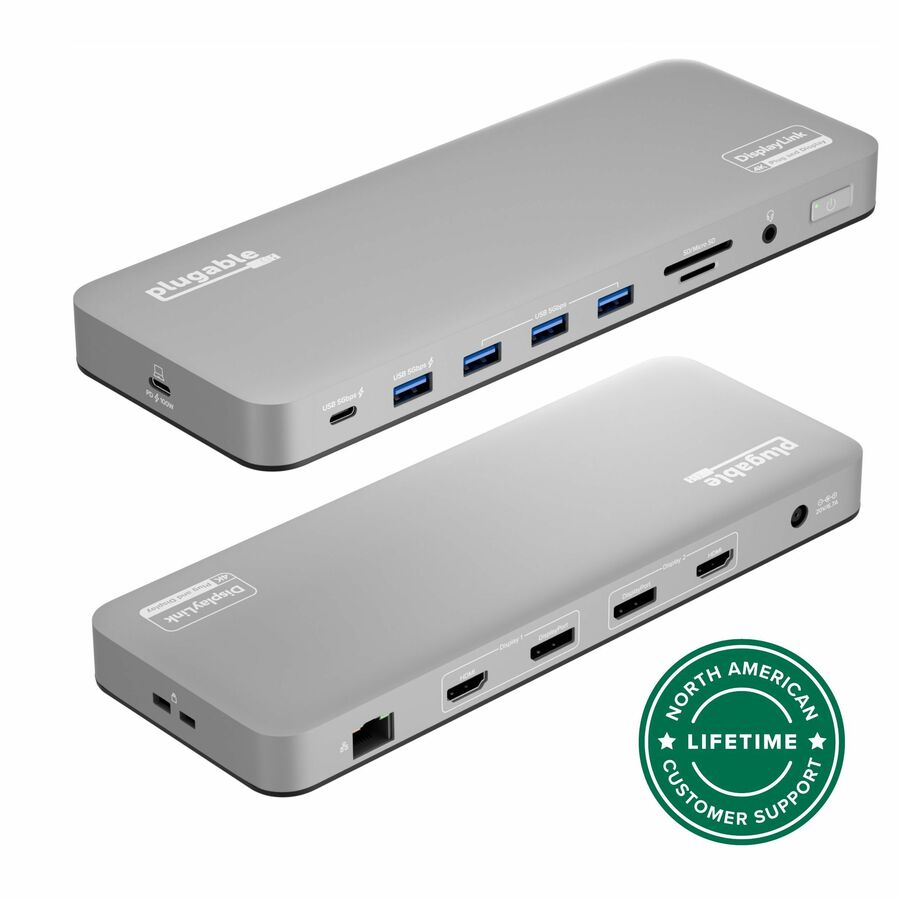
Plugable UD-6950PDH USB-C Docking Station
Price: Verify current price and exact model on Plugable
Why it fits: Docking-station choice for a multi-monitor workstation. Confirm the exact model number, host USB-C video support, operating-system requirements and included power adapter on the manufacturer listing before purchase.
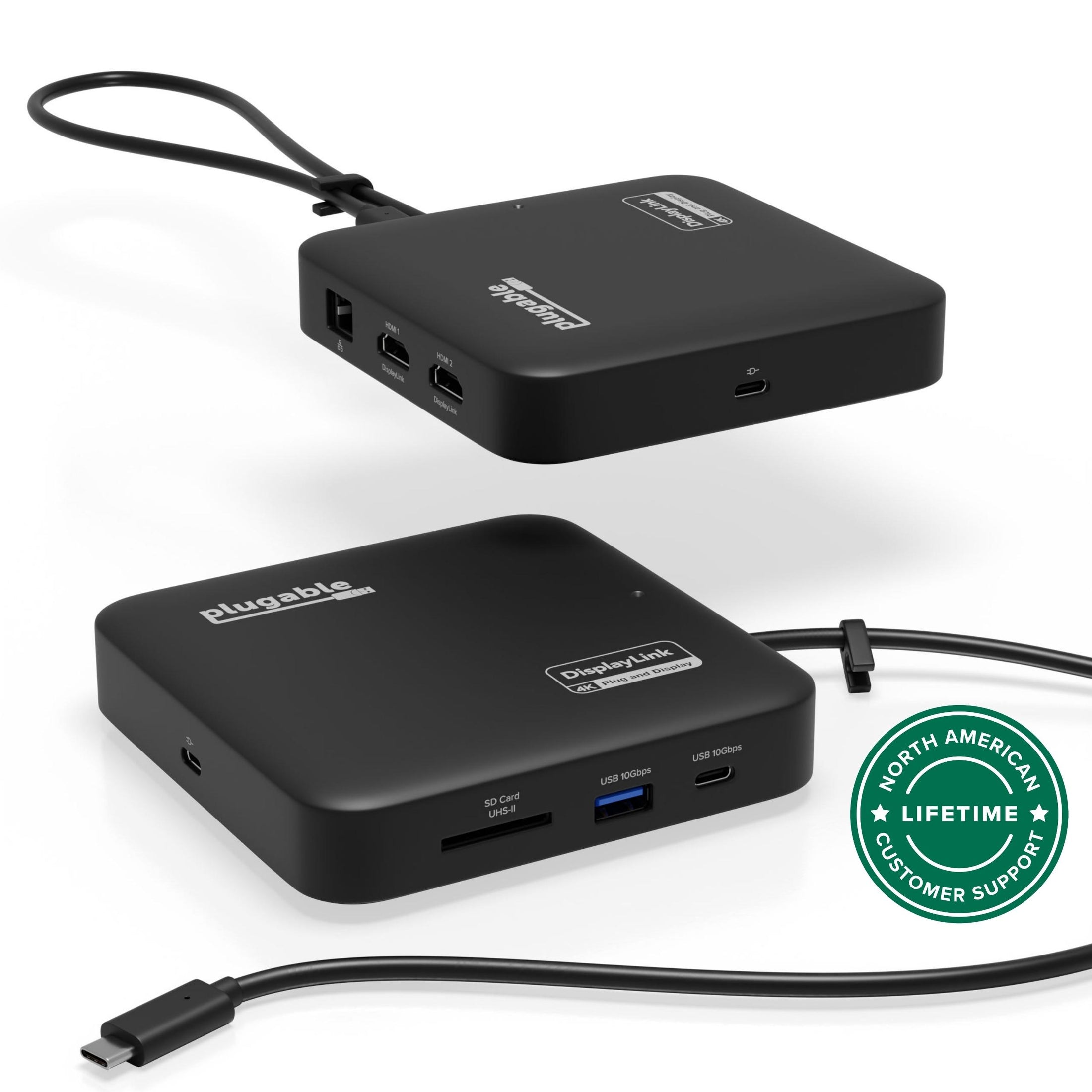
Price: $145.99 USD shown by Plugable (verify current price)
Why it fits: Supports two HDMI displays up to 4K at 60Hz and up to 82W pass-through charging with a suitable USB-C power adapter (sold separately). DisplayLink software may be required.
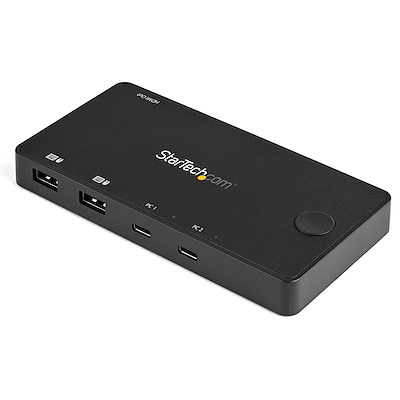
Why it fits: A KVM lets one keyboard, mouse and display setup switch between computers. Check the exact StarTech model’s monitor count, resolution, USB-C power delivery and host compatibility before buying.
Why it fits: Portable second-screen option for a compact workstation. Confirm your computer supports video over USB-C and check included cable and power requirements.
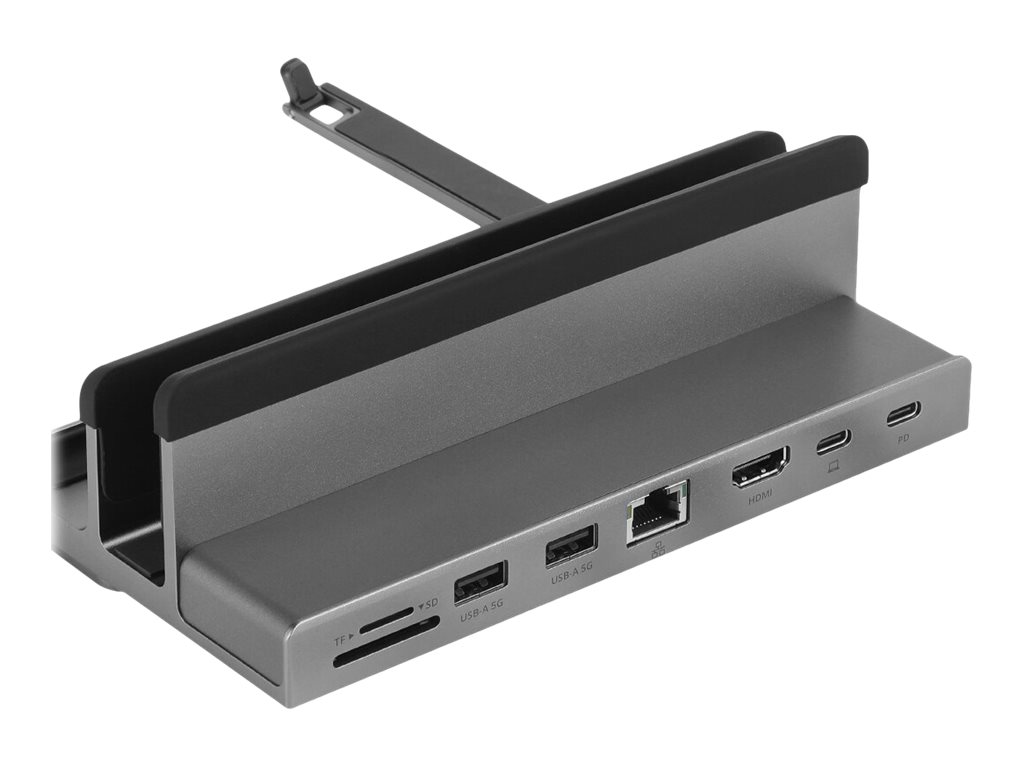
SIIG CE-MTDK21-S1 USB-C Laptop Stand with 4K Multitask Docking Station
Price: Verify current price for the exact model
Why it fits: Combines laptop elevation with dock-style connectivity to reduce desk clutter. Confirm exact model, supported display outputs, USB-C host requirements and power delivery before purchase.
Buying & Use-Case Guide: Choose a dock around your laptop and monitor requirements first. Check display resolution, number of screens, USB-C/USB4 or Thunderbolt compatibility and charging wattage. For Mac multi-monitor setups, verify whether DisplayLink is required.